Dissemination that Actually Works
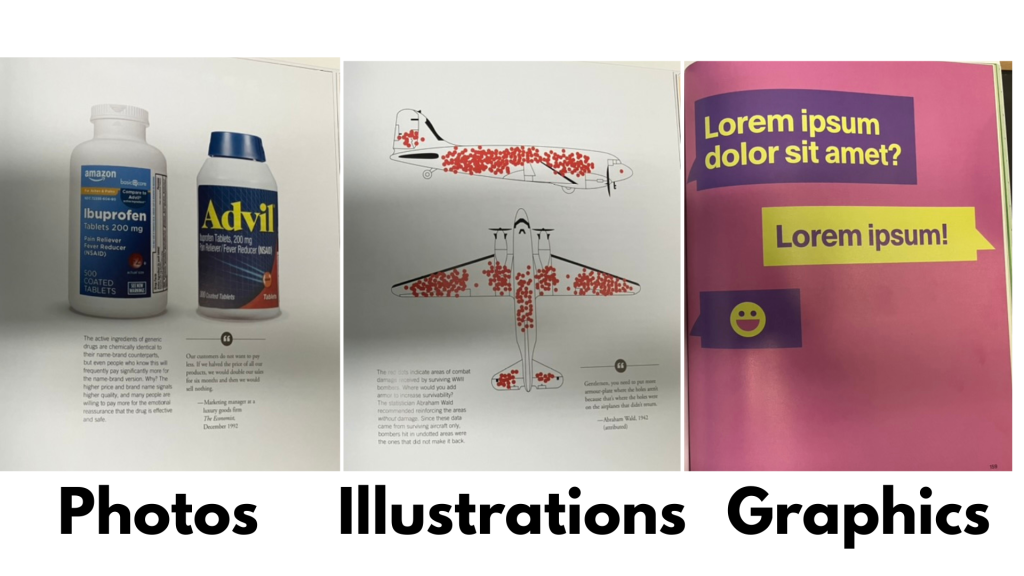
When I say the word visual I’m usually thinking of three basic types, photographs, illustrations, and graphics. Don’t worry if the lines blur—it’s more of a spectrum than separate categories. Graphics can be illustrations, illustrations can include photos.
But for the sake of this chapter, let’s think about them as three different things. Each with certain advantages and disadvantages. Knowing these characteristics can help you make an informed choice the next time you go to include a visual in your report.
Photographs are your most concrete visual option. They show real people, real places, real things.
Photographs don’t just have to be of people. They can be:
Places – The building you visited, the community you worked in, the setting where things happened
Objects – Tools, materials, artifacts that matter to your work
Artifacts – Your survey instrument, the table setup before a focus group, the room layout, the sticky notes from a workshop
Your smartphone is pretty good these days. You can use the elements you have in the room, the things you’re doing, and take pictures of them. What’s the room like? What’s the day like? What’s the building like that you’re going into? These are ways to introduce some element of what you’re doing into the images so you have stuff you can use later.
This usually requires some forethought—thinking ahead about what you might want to show.
Most photographs are JPEGs or PNGs. These are pixel-based images, which means the size of the photo has a direct connection with the quality. The bigger the size, the better the quality, because it’s based on little colored dots that make up the picture.
When you shrink a high-quality photo, it looks fine. When you blow up a small photo, it gets fuzzy and pixelated. So if you’re taking photos you plan to use, take them at the highest quality your device allows.
Expert Quotes – When you have an expert quote, you put the quote with the expert’s picture. You can usually find leaders’ pictures on organization websites, individuals’ pictures on LinkedIn profiles. I snag LinkedIn profile pictures all the time.
Backdrop for Text – Sometimes photographs of situations become the backdrop for an image, with text overlaid on top. You see this constantly on social media—a compelling photo with text that creates a shareable visual.
Specific Examples – Photos are really specific. They’re examples. They might be examples of something everyone can relate to, but they’re still very particular. If you’re talking about a certain program site, a certain city, you grab pictures of that specific place.
With Permission – If you have permission to take people’s pictures doing things, do that. Especially for qualitative work, because it’s highly relevant and useful. Sometimes pictures are clearly just someone’s snapshot, taken in the moment. That’s totally fine—it grounds your work in reality.
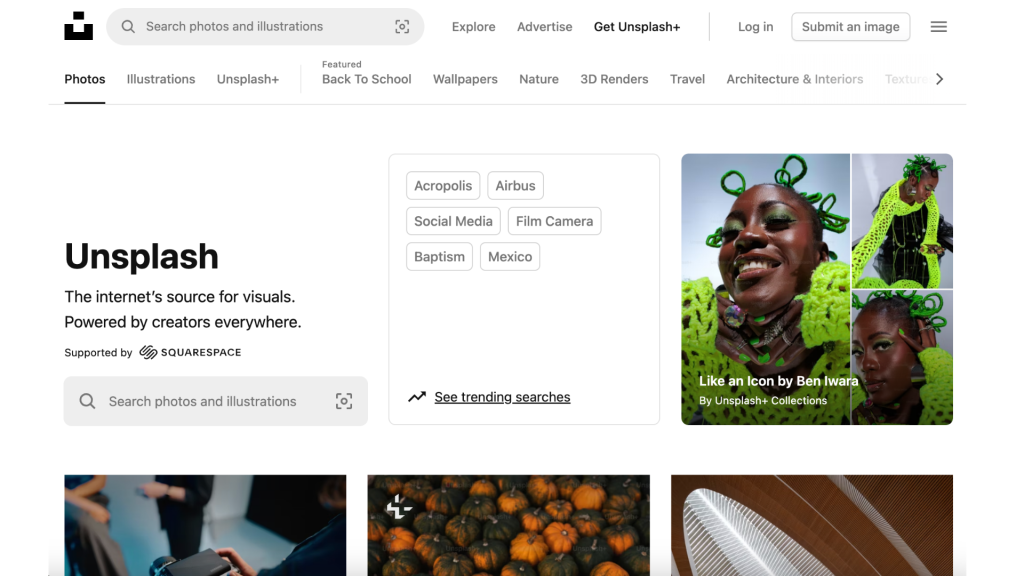
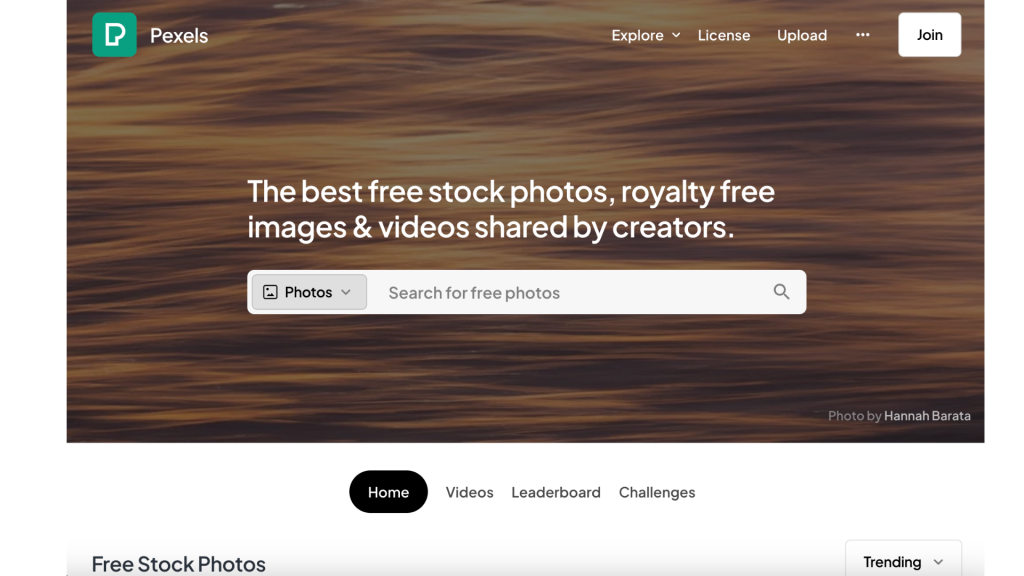
Stock photos can feel disconnected if they don’t match the audiences you’re talking about. They can be too generic, too polished, too obviously “stock.”
On the plus side, there are lots of places on the web to find really nice stock photos these days.
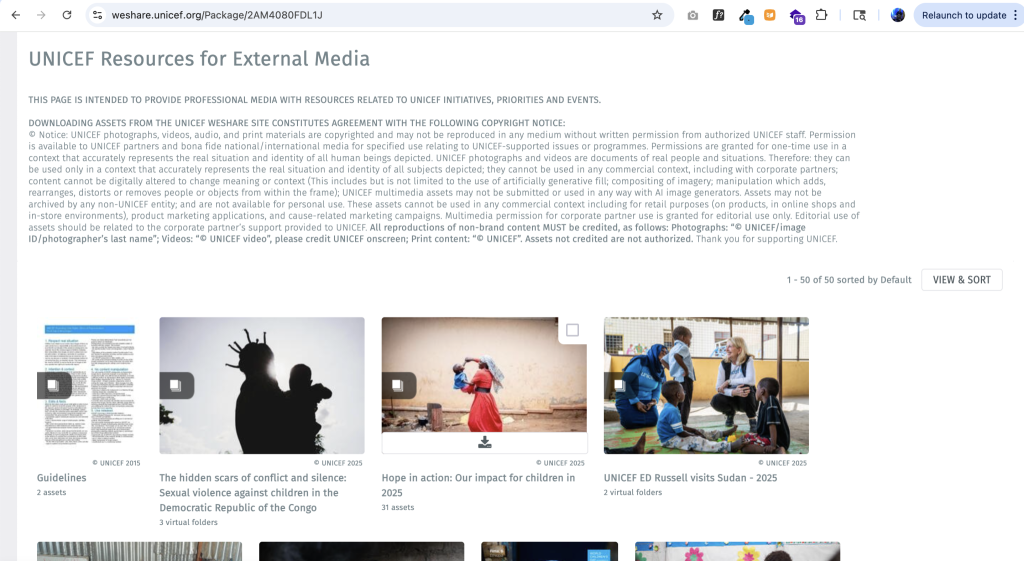
If you’re working with a large organization make sure to check with their communications’ team. Many have their own photo collections you might be able to use.
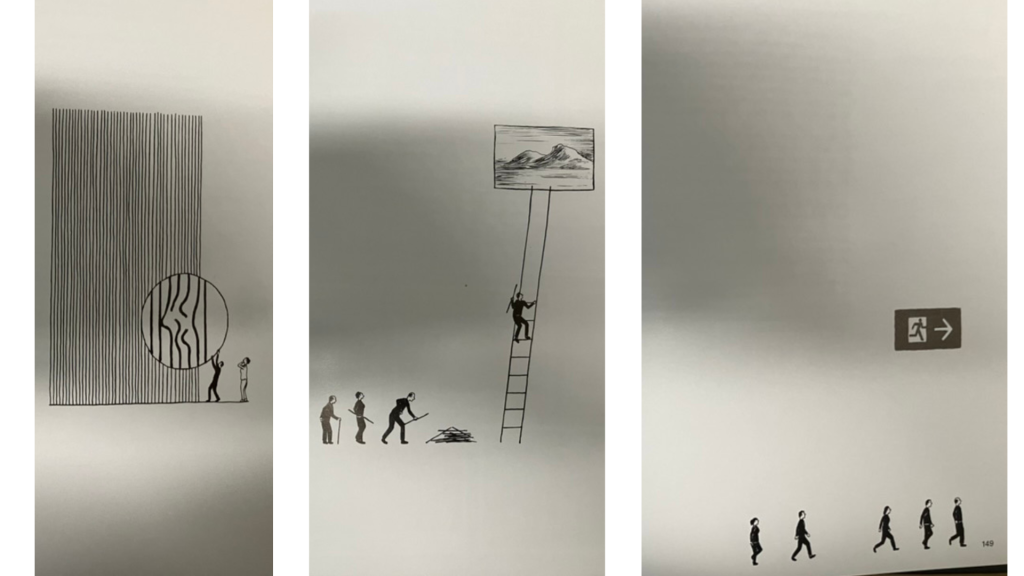
Illustrations range from stick figures drawn in a notebook to elaborate watercolor paintings by professional artists.
Illustrations can be JPEGs or PNGs (pixel-based, where size matters), but they can also be:
SVG (Scalable Vector Graphics)
EPS (Encapsulated PostScript)
AI (Adobe Illustrator files)
These are vector graphics—computer-generated images based on math rather than pixels. This is why an icon can be tiny or billboard-sized and it’s the same file size. It’s based on mathematical formulas, not dots.
Vector graphics tend to look clean and polished with sharp lines. That’s why computer graphics often have that crisp quality—they’re mathematically precise.
Simple sketches – Quick drawings that capture an idea, even if rough
Detailed drawings – More refined artwork that takes time and skill
Participant drawings – Ask participants to draw pictures as part of your research
Artistic renderings – Professional illustrations with distinctive style
Stylized graphics – Icons, simplified representations, visual metaphors
The beauty of illustrations is they can do things photos can’t. They can:
Show things that don’t exist (concepts, futures, abstractions)
Protect privacy while showing people
Create consistent visual systems
Simplify complex ideas
Add emotional tone through style choices
Sensitive Topics – You can touch on things with illustrations that you cannot do with photographs. When you’re talking about sensitive issues, an illustration can represent an idea without exposing real people.
Universal Representation – A simple illustrated figure can represent many people. A photo is always one specific person.
Conceptual Content – Abstract ideas, processes, feelings—these often work better illustrated than photographed.
Consistency – If you’re creating a visual system across your report, illustrations can be styled consistently in ways that photos can’t.
Illustrations tend to be harder to create if you’re just getting started or trying to improve your skills. This is where you might want to work with an artist, or get a lot of practice, because it tends to be more artistic.
But don’t let that stop you. Simple illustrations—even stick figures with some thought put into them—can be incredibly effective.
Graphics are usually the SVG, EPS, and Adobe Illustrator files—digitally produced, vector-based, meaning they can scale infinitely.
I know what you’re thinking…isn’t this just a different type of illustration…ummmmmm, yes…. Like I said before, lots of overlap.
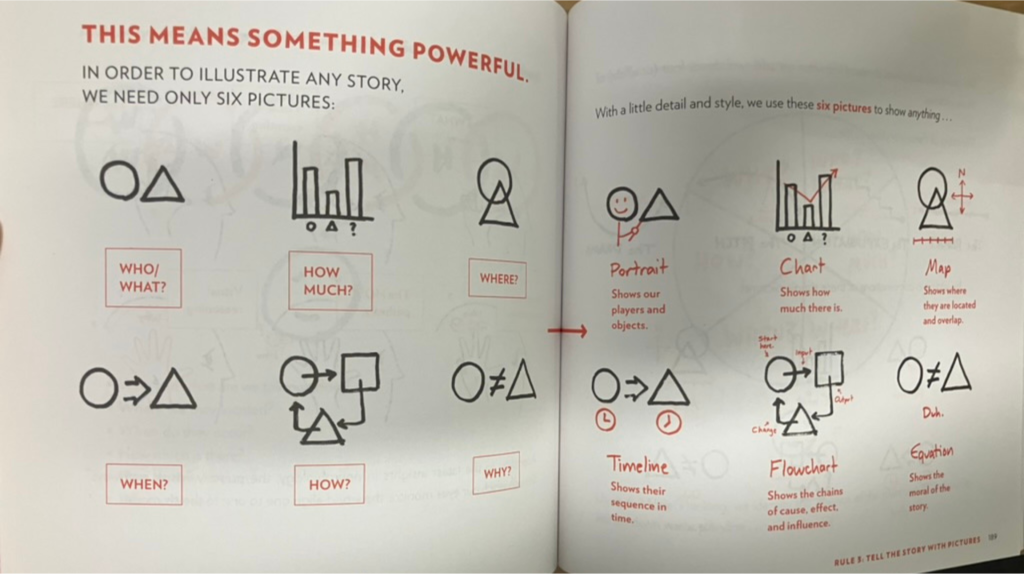
I tend to group together styles that look like drawings into the illustration category. And then computer graphics, charts, and icons into graphics.
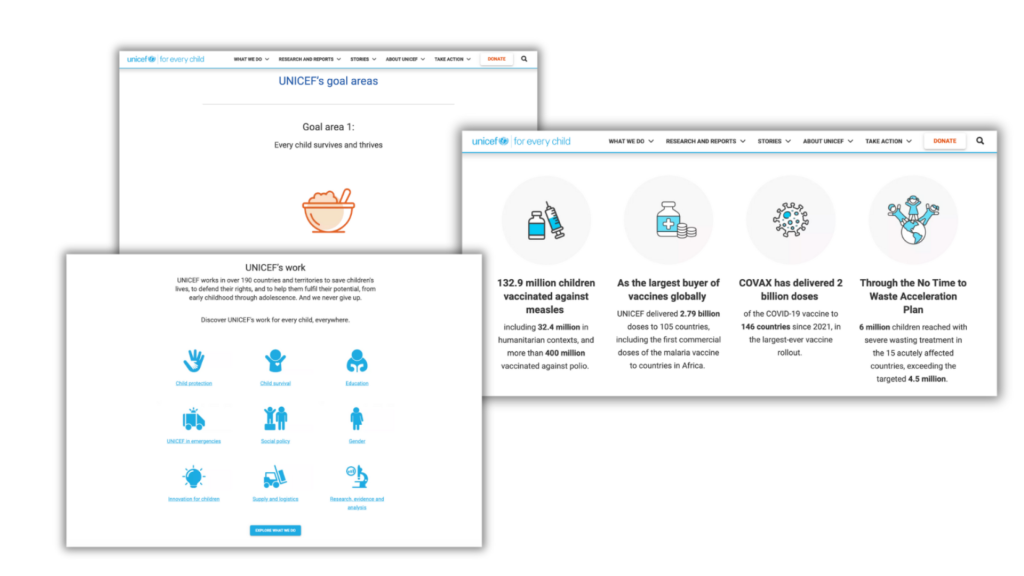
Icons are some of the most useful graphics because they can be small or large:
Small to tag individual ideas or points
Large to separate sections
Medium for callouts and annotations
They can be simple or complex. And because they’re vector-based, you can scale them up or down without losing quality.
Where to find icons:
Canva has tons (free and premium)
The Noun Project (icons for specific words and concepts)
Flaticon (lots of icon sets)
Other royalty-free icon sites
Icons work well because:
They can be more universally recognizable
They can organize information systematically
They add visual interest without photos
They can sometimes carry meaning across cultures
They’re easy to use consistently
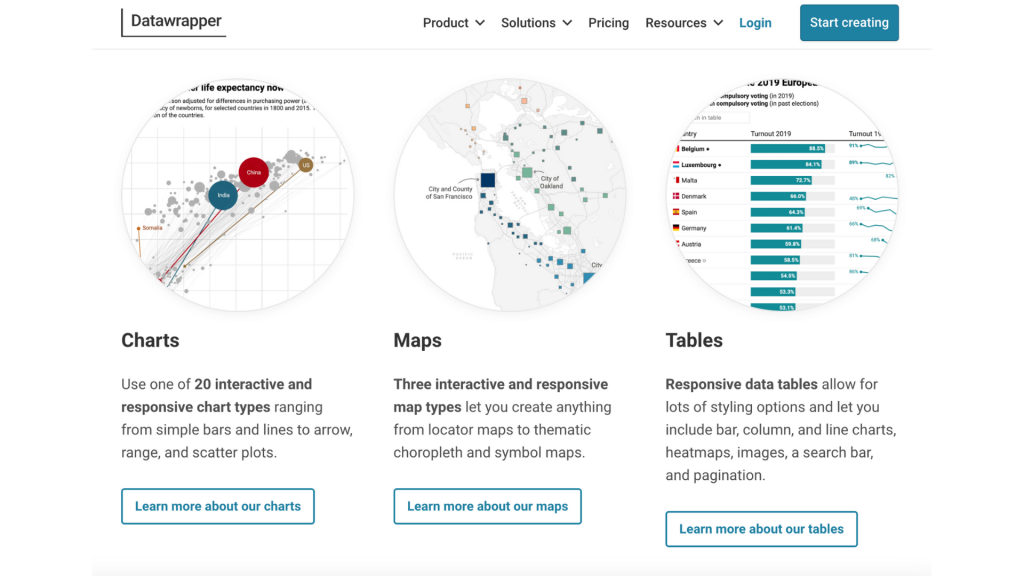
Charts, graphs, and maps are graphics. They’re better as SVGs for scalability, but often end up as JPEGs or PNGs (which is why Excel charts get stretched and look fuzzy—they’re not designed for that).
For qualitative work, certain chart types work particularly well:
Heat maps – Creating matrices
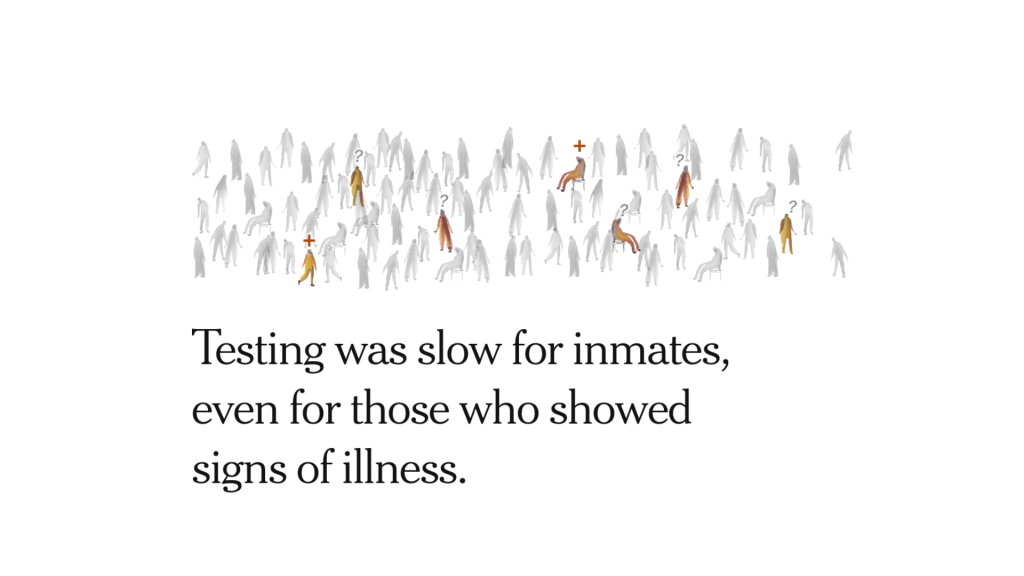
Pictograms – Using person icons to show frequency
Grid plots – Dots filled in to show distribution
Timelines – Events arranged chronologically
Process charts – Steps or flows
When you have small sample sizes (N under 100, definitely under 50), pictograms and grid plots can be super useful. They make numbers feel more tangible.
Sometimes the simplest graphics are just:
Text on a colored background
Words on a textured backdrop
A quote in a color block
A hashtag or code label
A simple statistic highlighted
If your goal is to organize—to get people to stop and read, or to separate sections—sometimes all you need is a different colored block to break from the white background.
You can have a simple quote. You can have simple stats. These can be used as illustrations in your work to separate sections.
Don’t forget about:
Emojis (when appropriate for your audience)
Shapes and lines
Patterns and textures
Borders and frames
Badges and callouts
These are all graphics that can enhance your visual communication.
You don’t have to choose just one type. The most effective visual reports mix:
Photos for specific examples and reality
Illustrations for concepts and universality
Graphics for organization and data
You can layer them:
A photo with graphic overlays
An illustration with text elements
Icons combined with photographs
Charts paired with photos for context
With tools like Canva, it’s easier than ever to:
Erase backgrounds from photos
Drop people into different settings
Layer illustrations over photographs
Add text to any image
Create frames and borders
Apply filters and effects
What used to require significant graphic design skills is now accessible to anyone willing to experiment.
For any visual you’re considering, ask:
What type of visual best serves my purpose here?
Need to show a real person or place? → Photograph
Need to represent a concept or protect privacy? → Illustration
Need to organize or display data? → Graphics
Want to create emotional resonance? → Mix them thoughtfully
Don’t default to one type just because it’s what you’re comfortable with. Push yourself to try different approaches. Your qualitative work will be richer for it.
And remember: you can start simple. A colored box with text is a graphic. A stick figure is an illustration. A smartphone photo is a photograph. You don’t need professional equipment or advanced skills to begin using all three types effectively.
Every week I share practical guidance on how to actually disseminate your work in the modern world. Trusted by thousands of evaluators, researchers, and other professionals worldwide. Free to join, easy to leave.