Additional menu

Chapter 1: The O.S.E.E. Framework for Qualitative Visualization

Not all illustration is the same and different illustrations can have very different goals. So when you’re thinking through how to illustrate your qualitative work, you need to understand what you want that illustration to accomplish.

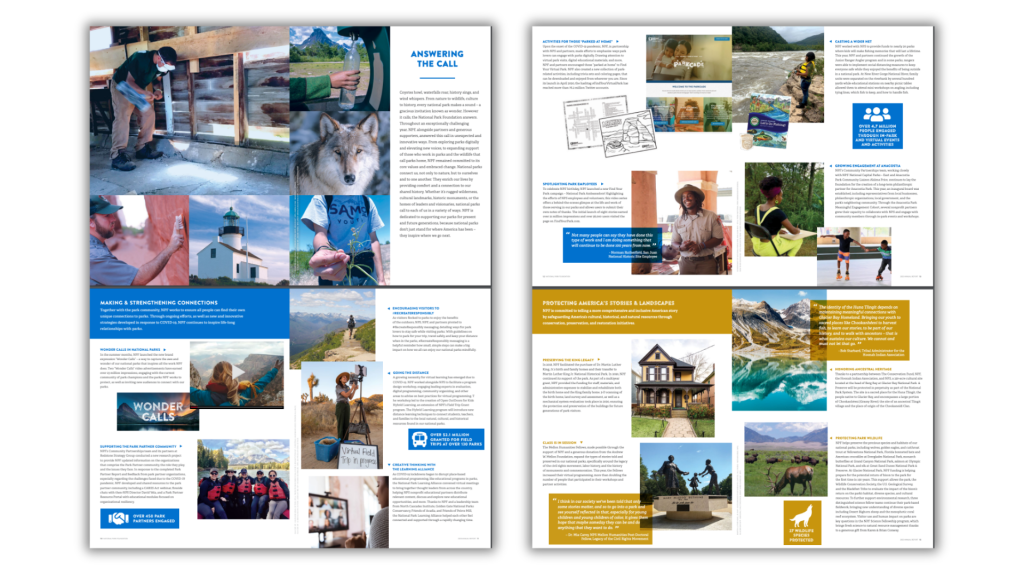
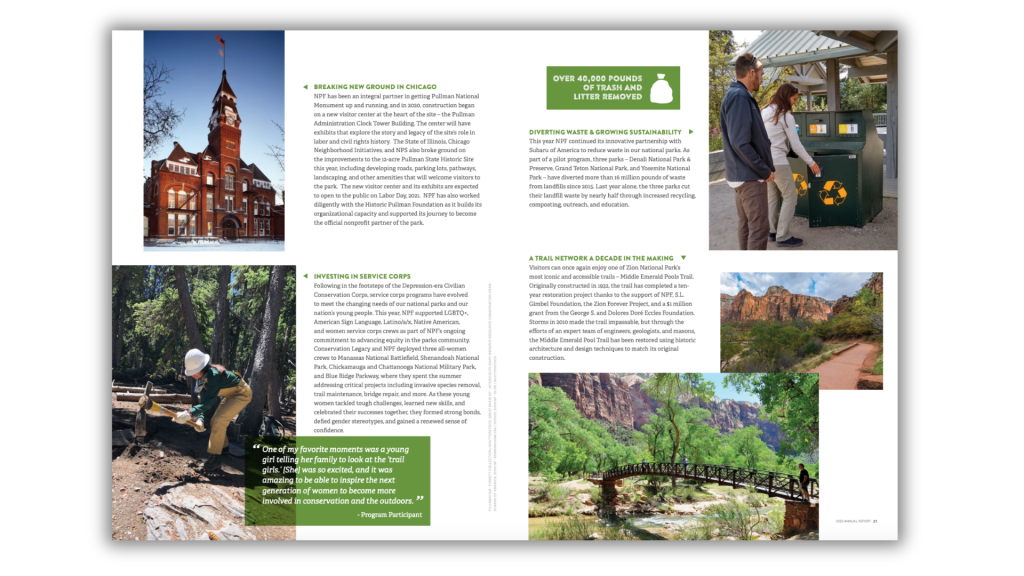
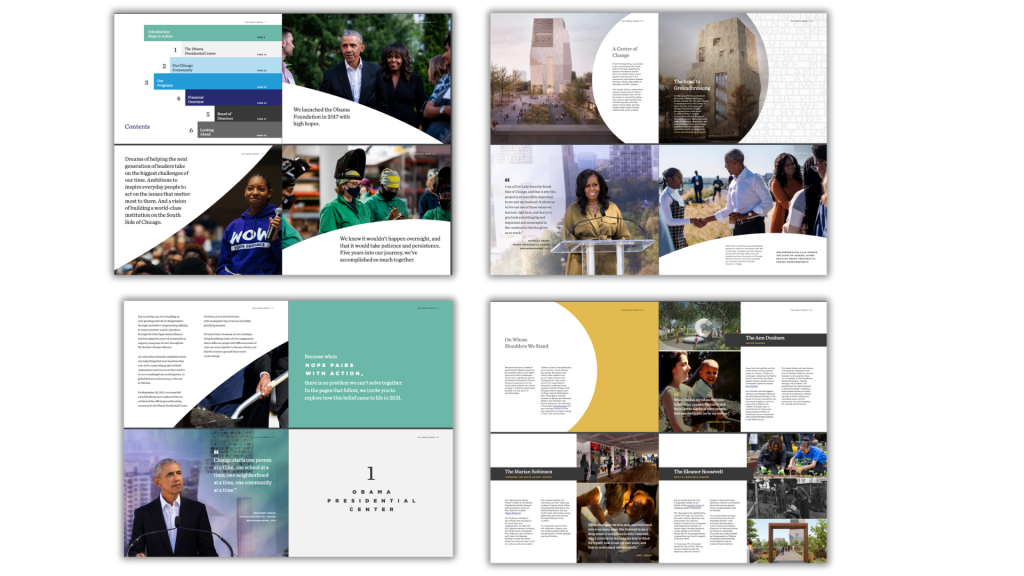
Check out this report from the Nature Conservancy. Look at all the pictures!

I’ve identified four main goals of qualitative data visualization—what I call my O.S.E.E. framework: Organize, Spotlight, Engage, and Enhance.

In this chapter I’ll walk you through each one.

O is for Organize

The first way to think about illustration is as an organization tool.

The Featured Image Paradigm

Every page on every well-designed website has a featured image. This is true for sports sites, news sites, research sites—anything that’s well designed has an image.

And somewhere in our subconscious: picture = important.

Because the picture says we’re changing ideas, we’re changing sections. Here’s a new article, here’s new content. Every single social media post from a big organization is going to have a picture.

The flip side? No picture = not important.

The stuff we do for the web has trickled into print design. Almost every single print work feels like a website because it’s designed with those same principles: every single section that’s important gets a visual.

Just by illustrating you’re going to create an organizational scheme within your reports that allows you to cut through the content.

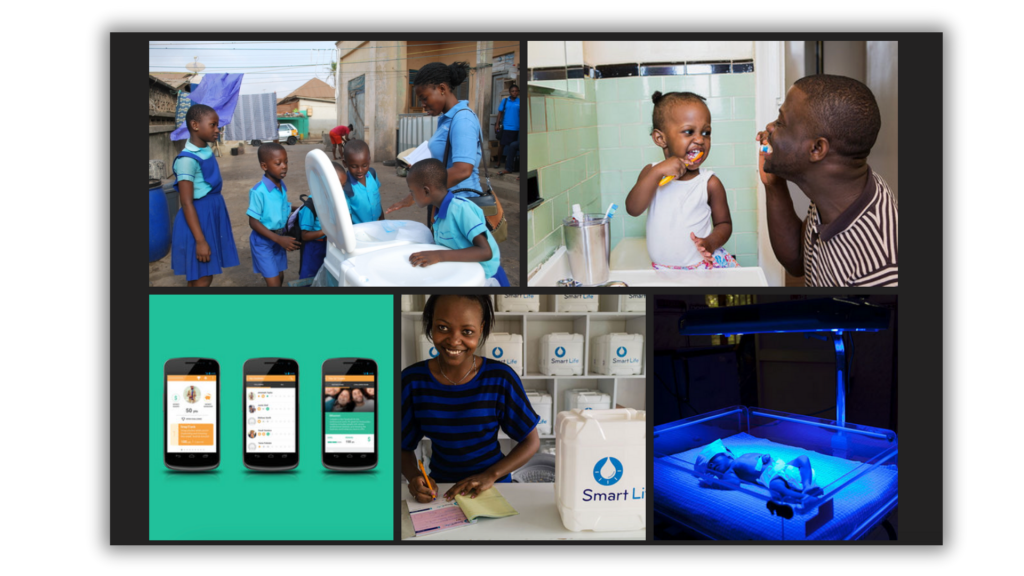
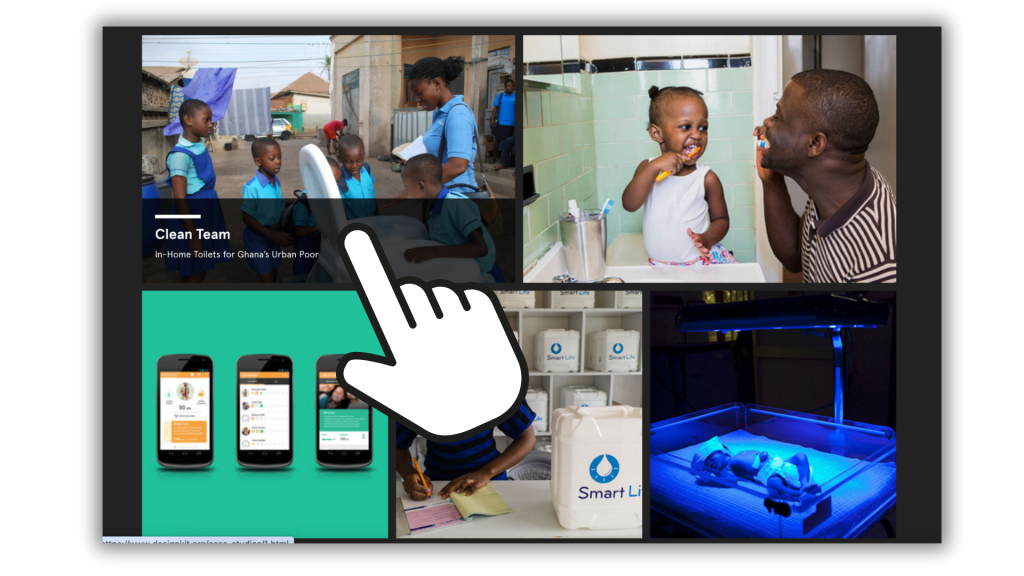
This is the case studies page on the designkit website.
It looks like a photo gallery, but each image relates to a different case study.
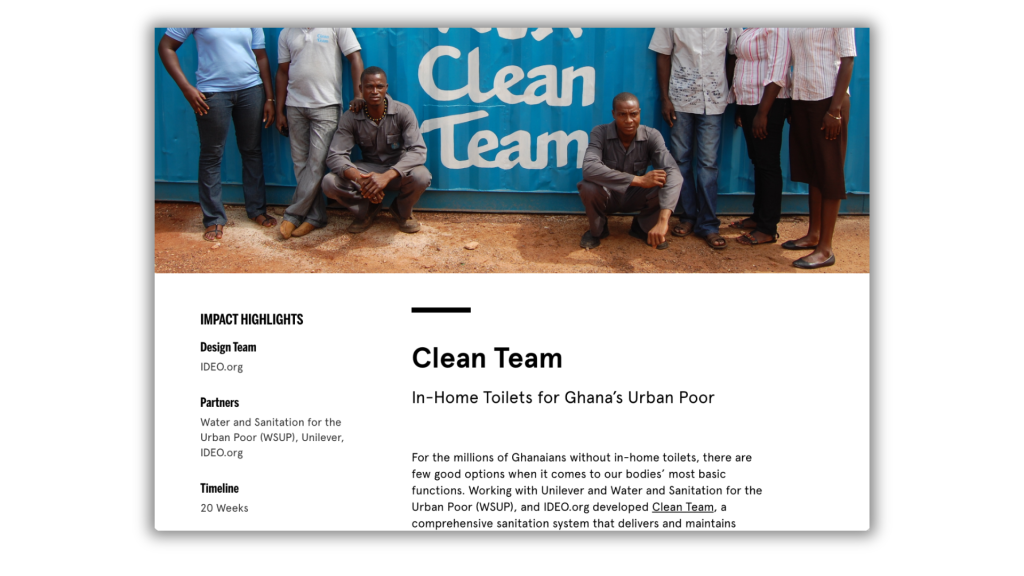
Every individual case study page is anchored by a relevant photo (this is the featured image).

How Icons Organize

I like to think of icons as just being mini-illustrations.  They can easily be paired with headings or replace bullet points to give each one a little more oomph. 

I’ll talk about icons a bit more in the spotlight section, but they are also an organization tool. Icons, just like photos and larger illustrations, help us to systematically map out information and make it easier to consume.

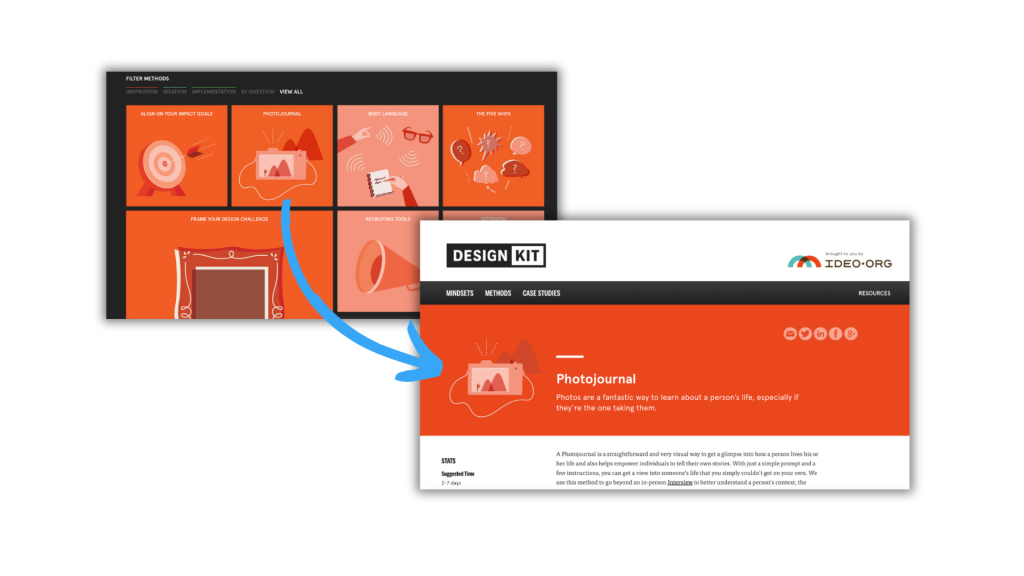
There is very little text on designkit's main methods page. What stands out are the icons, which are then tied into the full methods page.
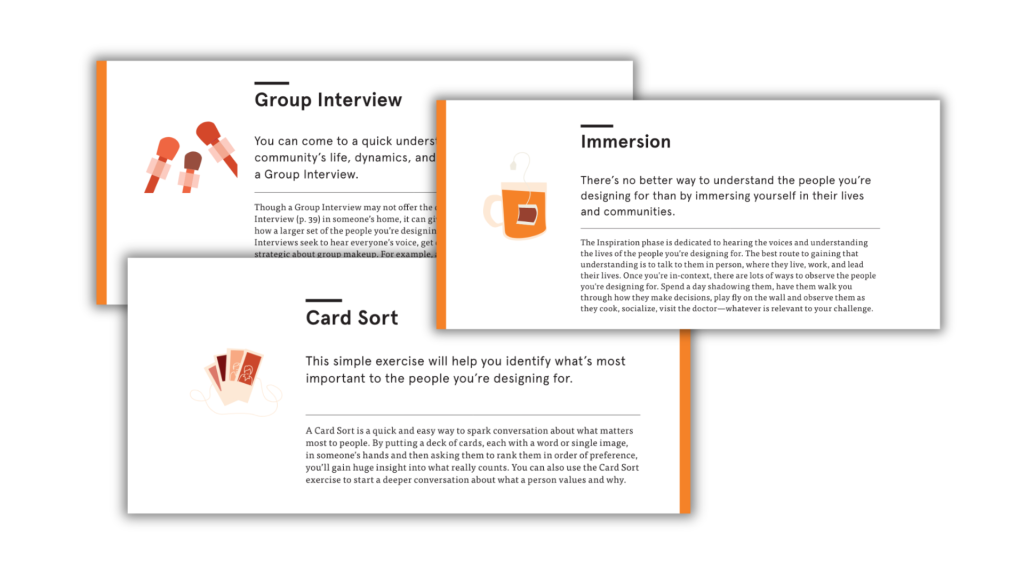
The PDF download version also uses the same icons with the same color scheme to organize all the individual method pages.

Being Systematic

Organization requires discipline. You are using visuals to create order through patterns. You have to think meta—through your whole report. It’s not just looking at a single section.

Our human eyes quickly pick up on patterns.  If there is a photo each time you to move to a new section, this becomes a cue for the reader.  This could also be an icon every time you have a major heading.  

If you just randomly include images, you’re going to send readers mixed messages. 

S is for Spotlight

Spotlighting is all about making sure people catch the main points you want to give them. This means you, as a report designer, have to decide what’s important for that reader to get and what they can skip.

As an illustrator or designer, you are acting as a guide.  You are the one who gets to show the reader to the best parts of the resource.  Illustration and design are the tools that allow you to spotlight this important information.

When we don’t systematically illustrate, we end up spotlighting by accident.  If you put an image in a spot because there was a little white space and you had a good photo, all of a sudden that space becomes a hotspot.  Are the words around that image really what you want to highlight?

How People Actually Read Reports

Think about how people read reports these days. It’s not like reading a book. They’re jumping around to different sections and quickly flipping through.

One way to check this with one of your own reports: print it out or scroll through it and pretend that you only have a few minutes before a board meeting. Then read it like you’re on that deadline. Where are you stopping? Where are you not stopping?

For most reports this is usually what happens: you might read the first couple paragraphs, you might go through the executive summary, then you flip through the pages and stop at any charts because they’re more interesting to look at. You skip the qualitative section because there are no pictures there. Although you might read a quote or two if it’s pulled out in a nice big font.  Then you get to the end and look at the conclusion.

Our goal is we don’t want them to skip the qualitative section. We want them to stop there too. We want to tell the interesting stories, share the important work that taps into more depth. 

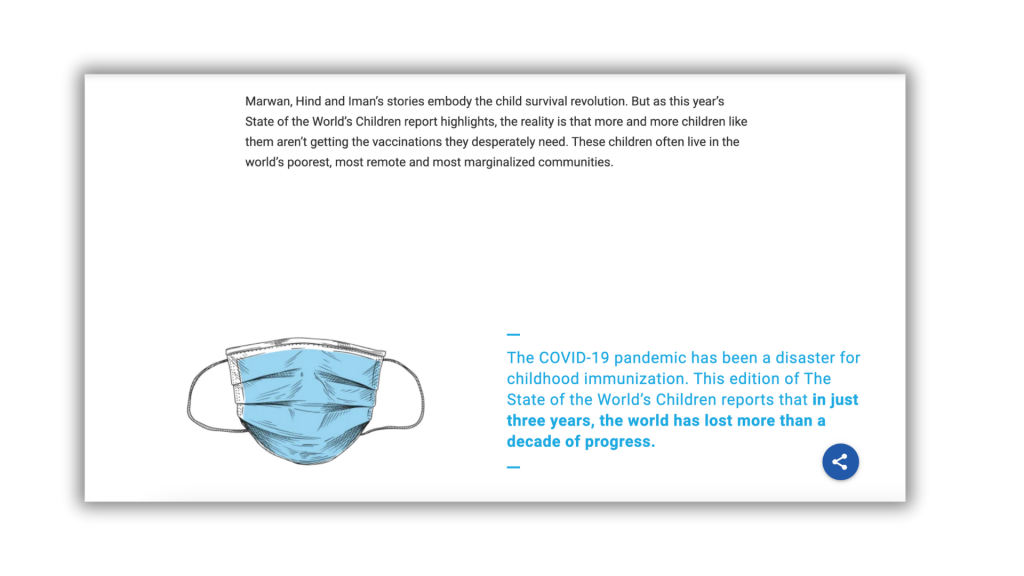
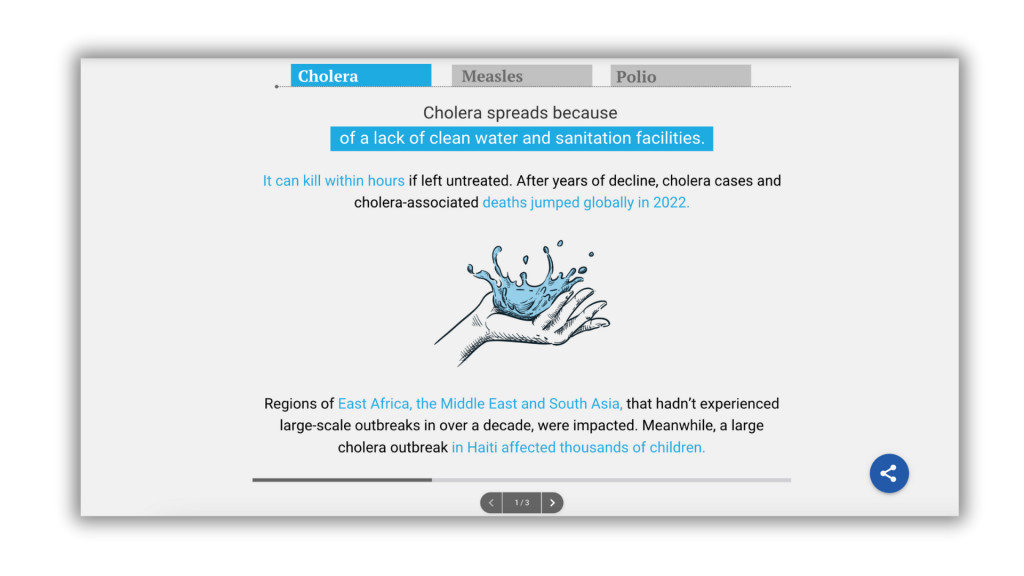
This is an example from a UNICEF State of the World's Children report from 2023. The image (as well as the font and the color) tell a reader to stop and read.
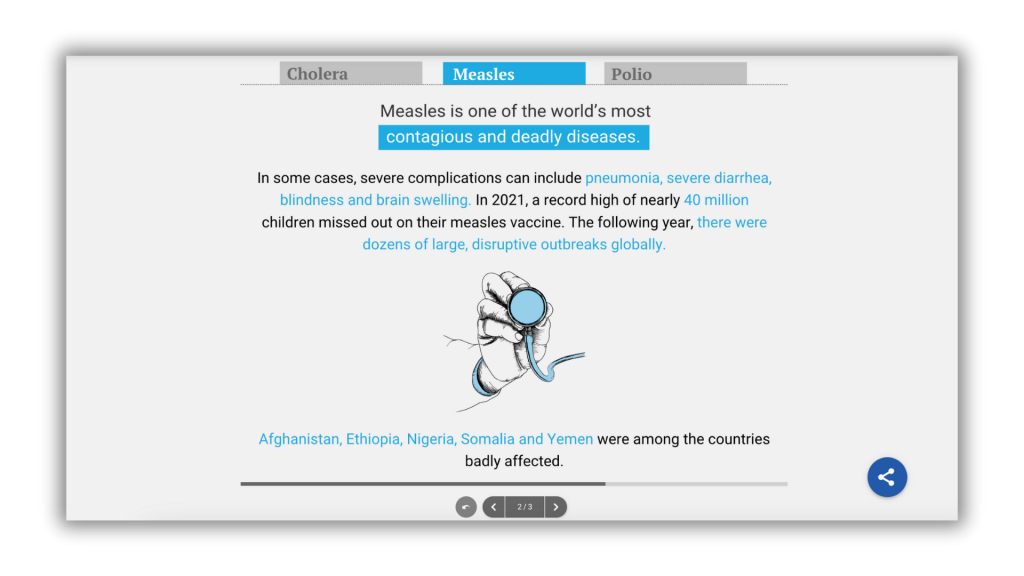
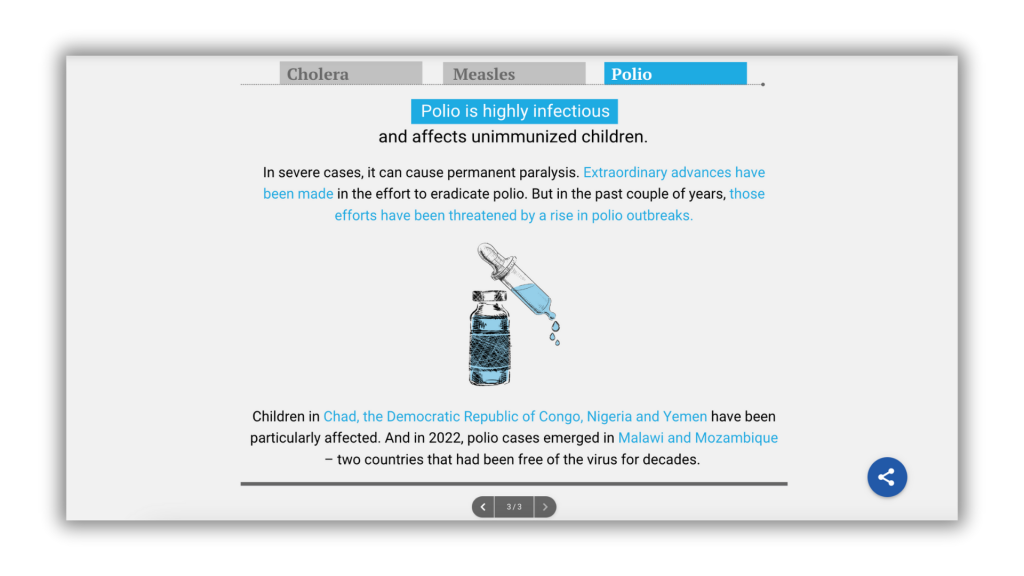
In that same report, they have a little sidescrolling section. With each tab there is an illustration with a similar format. These help draw the eyes, and doing the same thing systematically for each tells you that they are similar in terms of importance.
This is from a Nature Consvervancy report. Everytime there is a little factoid, they use a solid color block and a white icon. These draw the eye and help put the factoid in context.

Prioritization and Spotlighting

Visuals spotlight information and break up text.  

When you use an image you can stop a reader from just scrolling past important information.

Now, just like color, moderation can help.  Too many pictures is like highlighting every sentence in a textbook.  The more you use, the less the impact.

If a page is full of words, a single simple icon will draw the eye.  Same goes for a photograph or illustration.  So you need prioritize

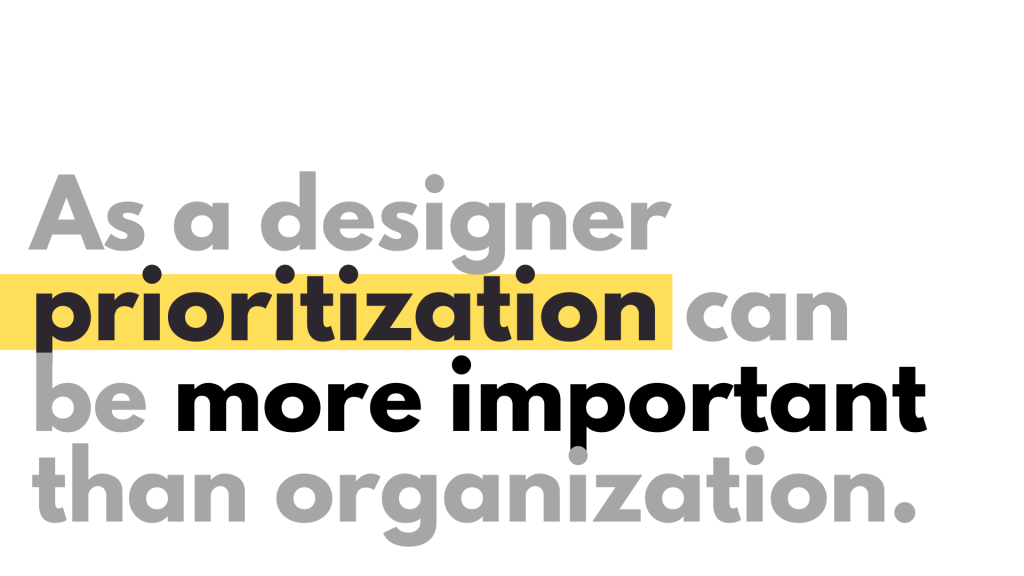
As a designer, prioritization can be more important than organization. Yes, we want it organized, we want to section things off, we want to be systematic. But we also want to prioritize what’s important because that’s what they’re going to take away with them.

E is for Engage

Engaging with visuals is a little bit more nuanced. The goal of an engaging visual is to capture attention in a way that makes people want to click and go further, to read on.

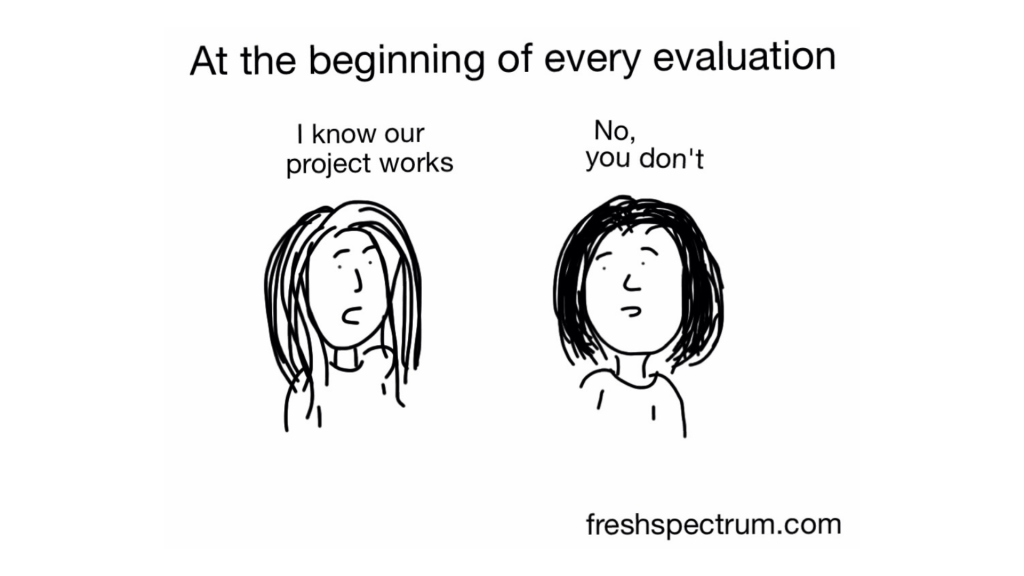
Visualize Questions, Not Answers

When I draw cartoons for blog posts, I always write first and then illustrate. The goal of the visual is to engage people enough that they want to read more—it’s to open up a conversation rather than close it down.

This is why I always tell people: we’re visualizing the questions, not the answers. Questions engage. They cause us to read on.

Think about magazine Q&As where the picture is just a big Q with the question. Because questions engage, they get you to read further.

Statements that deliver answers don’t beg you to read on—they’re just little takeaway bits. But something that gets you to start asking your own questions? That makes you dive in further.

Creating Curiosity

Engagement is about creating that open door that makes you want to see the answer. It’s not the solution—it’s opening up so that you continue to read on.

When you see visuals with questions, or statements that create a gap between what’s being said and what it means, there’s a little bit of mystery involved. You’re asking somebody to do something, to think about something, to wonder about something.

I’ve worked with a lot of researchers and evaluators over the last couple of decades.  We get caught up in our work and go on little journeys of discovery.

But when it’s time to share, we forget that where we are now is different from our audience.  Yes, people do want to know what we learned.  But when you skip the end of the book, you lose the story.  

E is for Enhance

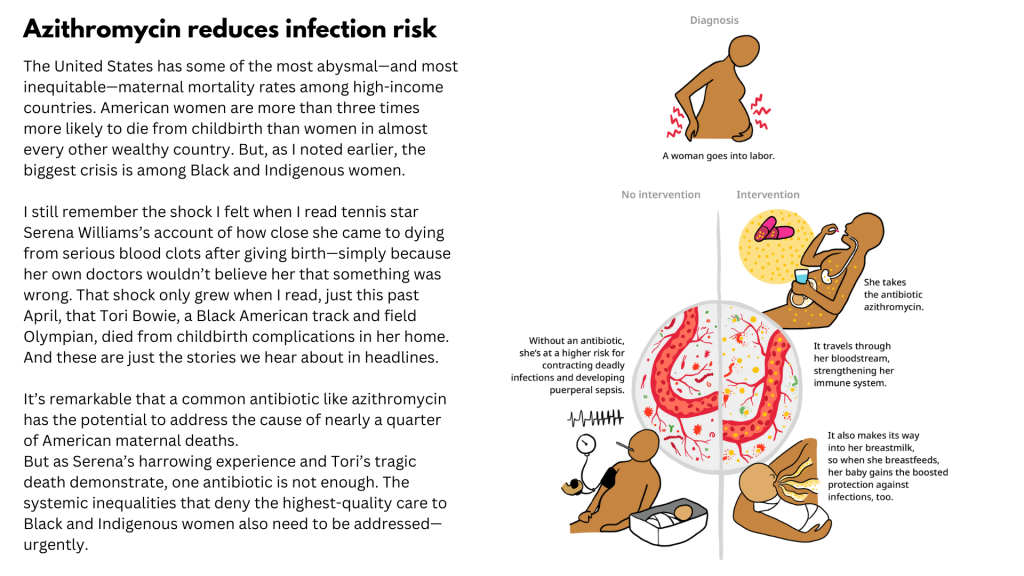
Enhancing is when illustrations deliver additional information. As an illustrator this is your chance to be opportunistic.  

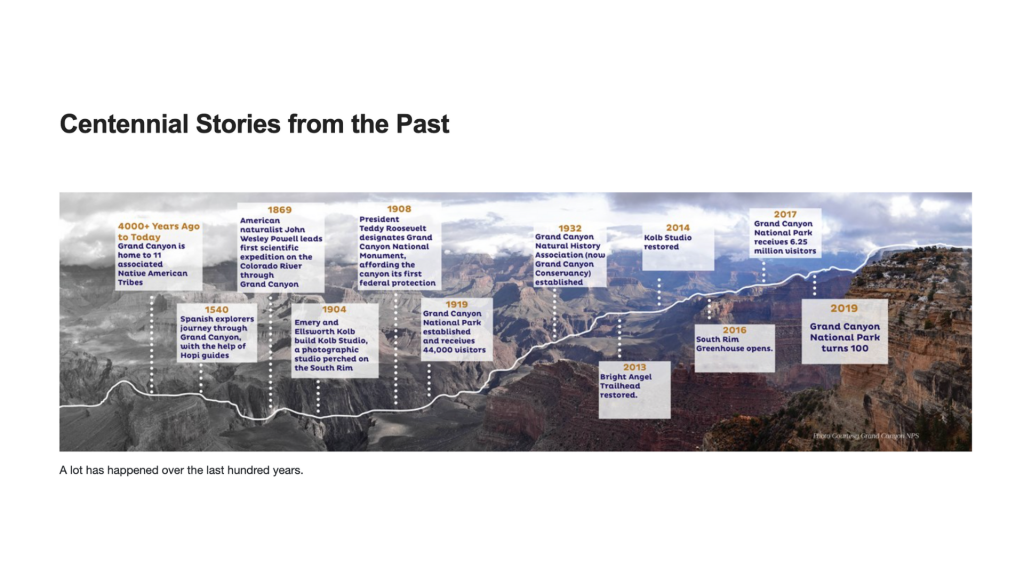
For example: let’s say you have a series of interviews with people talking about a period of events across time. The information that gets shared won’t necessarily be in chronological order—it comes based on the question, the flow of conversation.

Would it be interesting to see that information in the order it happened, maybe across different points in a project’s lifespan? By taking the work, turning it into a timeline, and putting quotes across that timeline, you’re rearranging the information in a way that enhances the sharing. You’re delivering new information.

A Few Simple Enhancements

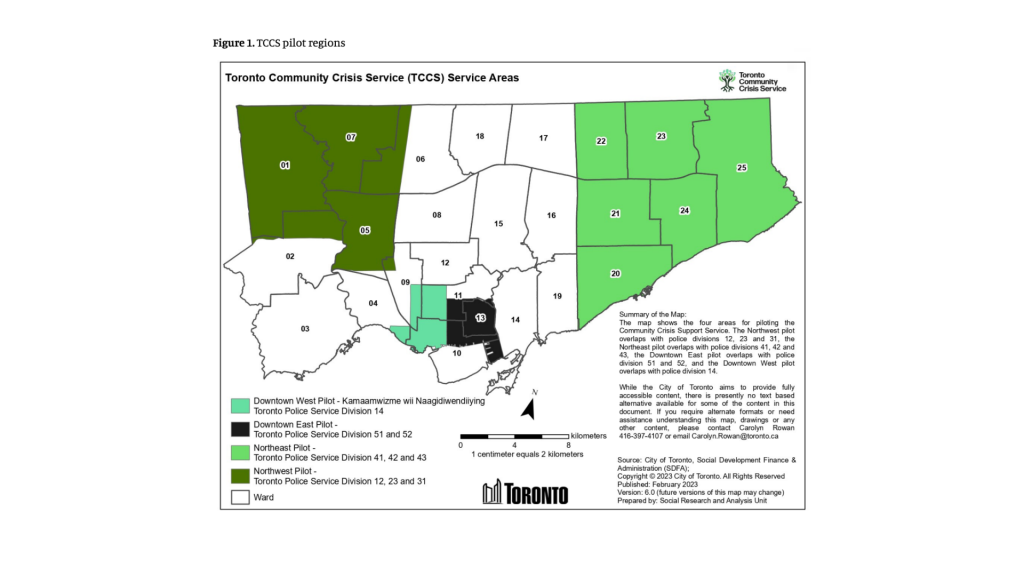
Maps and Photographs. These can be simple ways to put the data that you are sharing in context.  A photograph of a program site is more than just filler.  

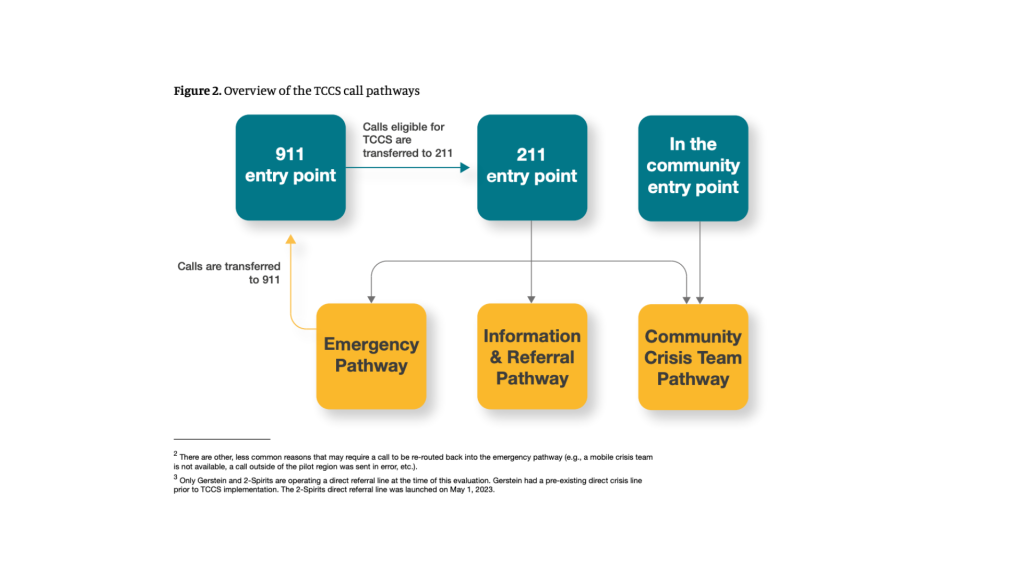
Frameworks, models, flowcharts, etc. These types of tools simplify or restructure information that hopefully helps to reinforce or expand upon what you share in the text.

Charts and Graphs. Sometimes you can just pair a little bit of quantitative data to give a little extra context.  It might be a simple bar chart that shows the number of interview respondents.  Or it could be a more elaborate visualization that pulls from an outside data source and delivers broader demographic information.

Using the Framework

As you approach any illustration decision in your qualitative work, ask yourself:

What is this visual supposed to do?

  • Organize: Create structure, separate sections, establish patterns

  • Spotlight: Draw attention to key findings, quotes, or insights

  • Engage: Create curiosity, ask questions, open doors for readers

  • Enhance: Add context, provide additional information, reveal patterns

When you’re clear on your intention, the choices about what kind of visual to create become much easier.

And when you use these functions systematically—organizing throughout, spotlighting key moments, engaging with questions, enhancing with additional context—your qualitative reports transform from walls of text into accessible, compelling narratives.